Plug-in for Lightroom Classic
Borders adds clean, even frames to your photos, with a live preview, colors picked from the photo, Polaroid proportions and ready-made social sizes.
Free · Version 1.1.0 · 24 KB · Windows 10/11
This is the same frame math the plug-in uses. Change the settings and watch the frame update instantly, just like in Lightroom.
Designed to feel like the Border options in Lightroom mobile, built for your desktop workflow.
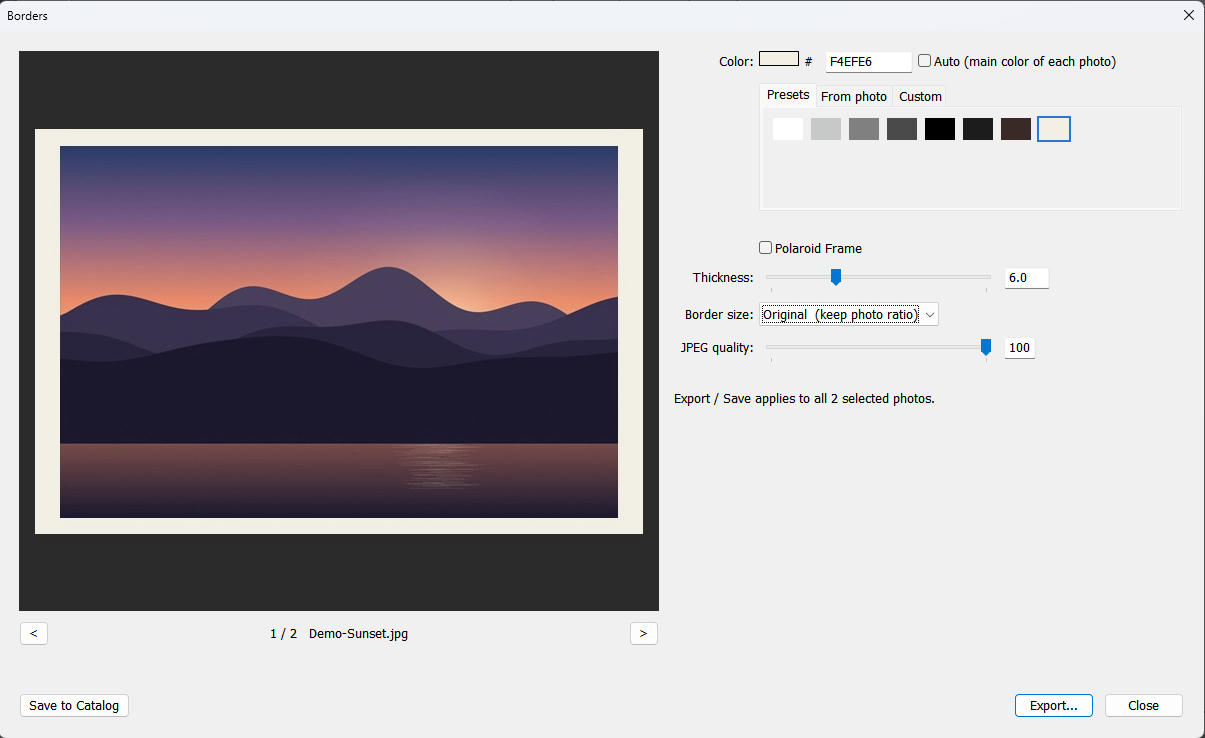
See the frame on your photo, with all your Develop edits, while you move the sliders. Step through every selected photo.
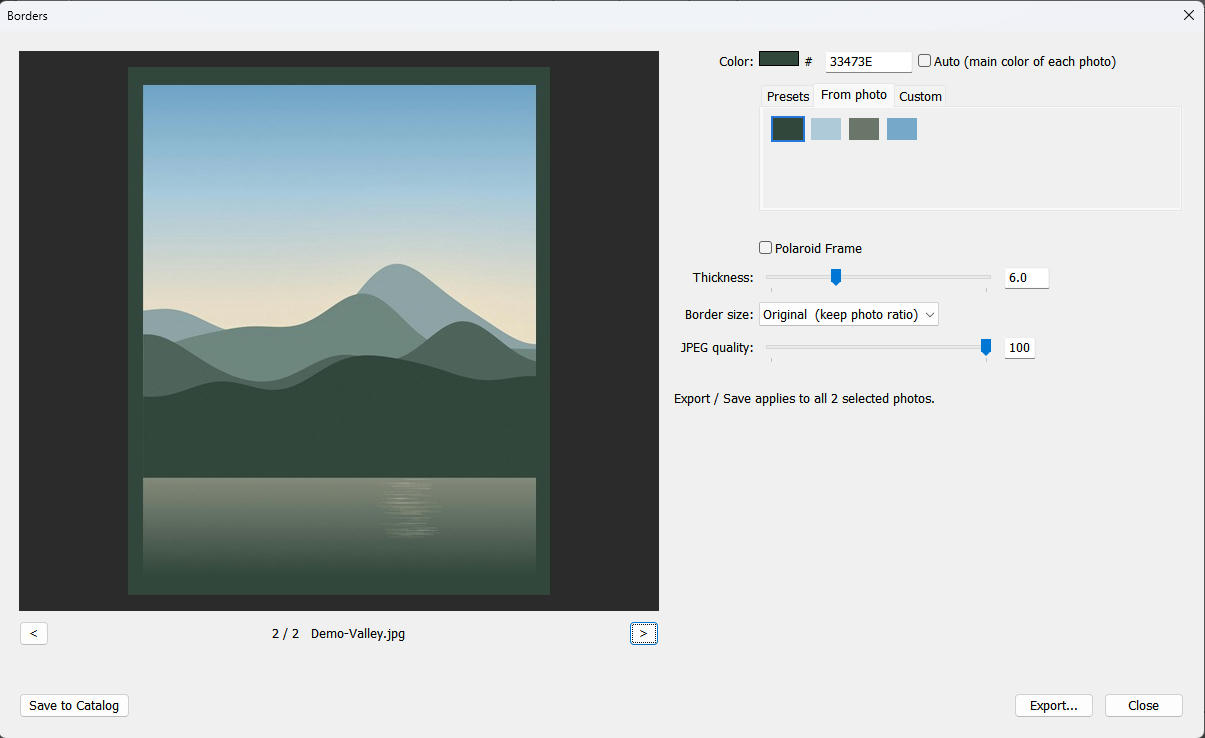
Pick from the photo's own main colors, use presets, mix any custom color, or let Auto frame every photo in its dominant color.
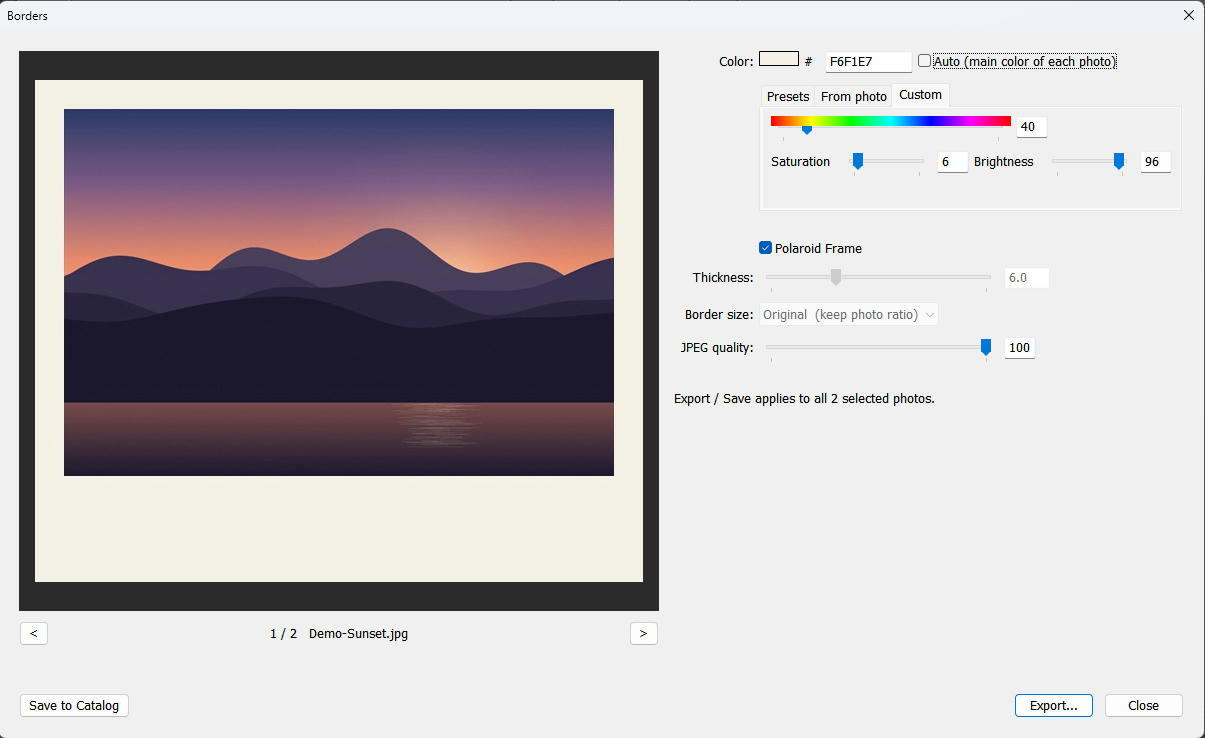
One click for classic instant-photo proportions: thin sides and top, a deep bottom margin.
Original, Even, 1:1, 4:5, 9:16 and more. The canvas is set to the ratio and your photo is centered.
Export framed copies to any folder, or save them to your catalog, stacked with the original. Originals are never changed.
Add Borders as a Post-Process Action in the Export dialog and save it in an Export Preset for one-click framing.

One window, everything in reach. Library ▸ Plug-in Extras ▸ Borders…
Whites, grays, black and warm tones. The frame changes the moment you click a color.
Borders finds the main colors in each photo, so the frame always feels like part of the picture.
Drag along the hue bar for a custom color, and switch on Polaroid Frame for the classic look.
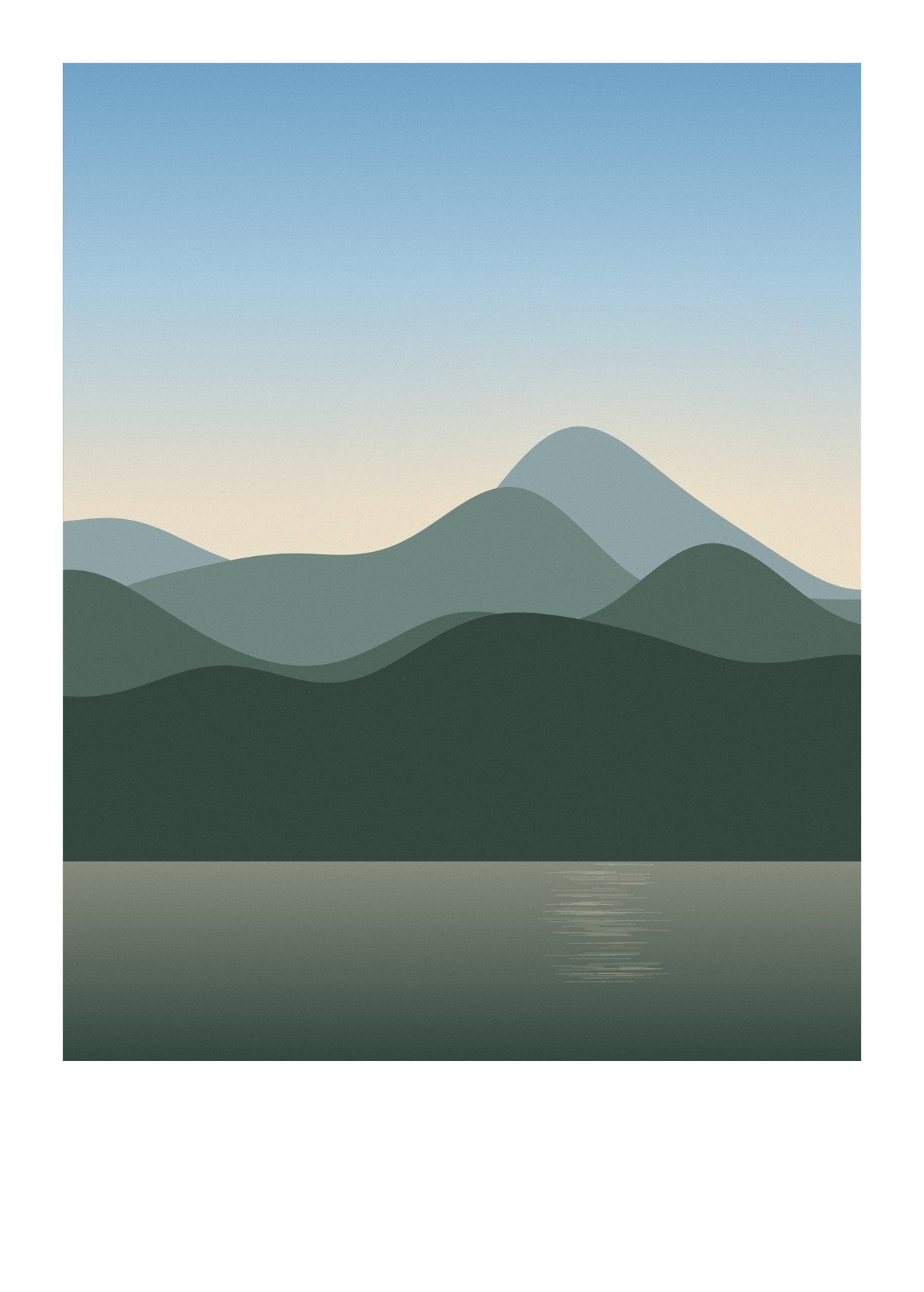
Every image below was framed by the plug-in itself.


No extra software. Borders uses components that are already part of Windows.
Install Borders.cmd.Borders.lrplugin to a permanent folder.Borders.lrplugin folder and click Done.Free download for Lightroom Classic on Windows.
Download Borders 1.1.0